Should be pretty obvious: client devices and internal services will have no traffic >95% of the time, just NTP for timekeeping, DHCP lease renewal, and associated ARP (running total: two dozen packets if you monitor them for a full 24h), then any system updaters (readily identifiable by the initial DNS requests), and finally of course you'll see the traffic of the service that the device hosts, if any, which can be easily dismissed by not looking at incoming connections (scraping uses outgoing connections)
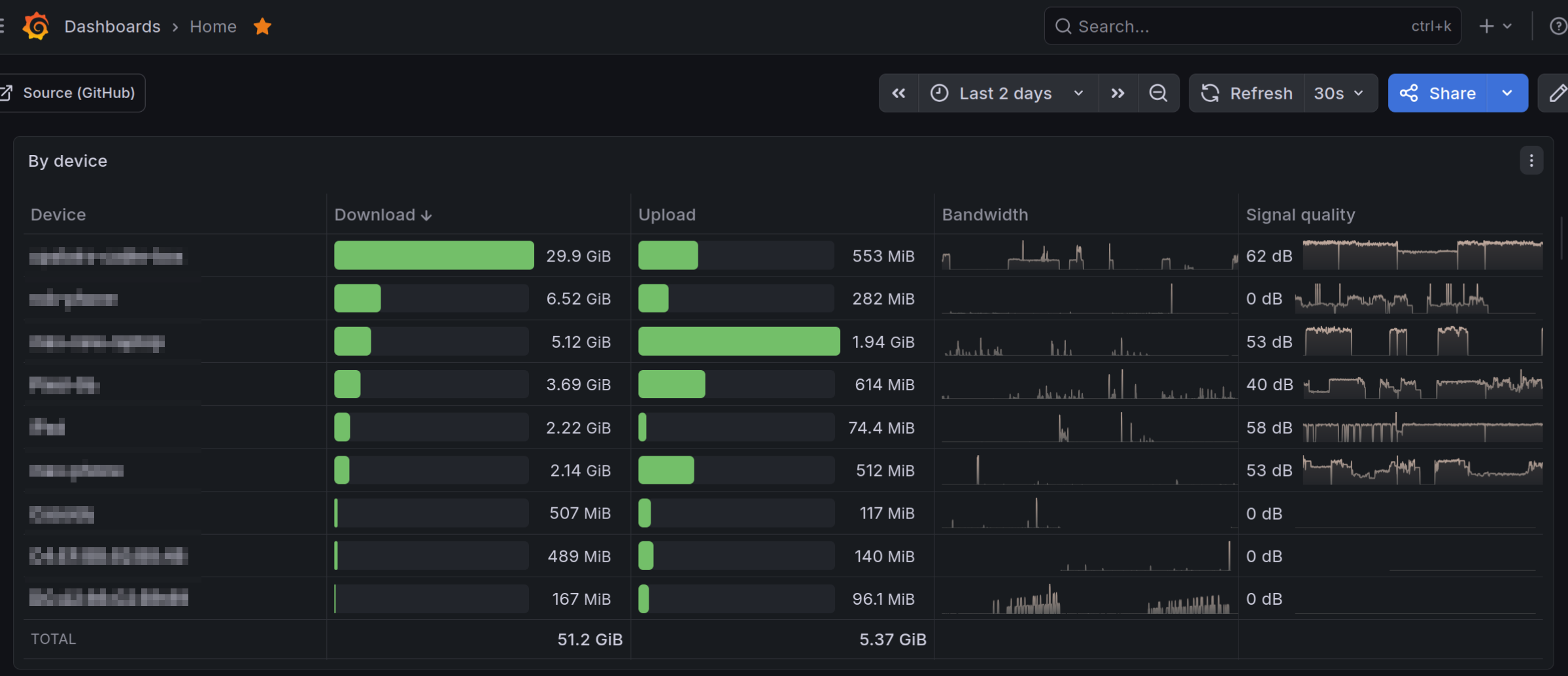
That's what I personally do at least: I have nlbwmon [0] installed on my OpenWRT router to track data usage per device, then I scrape it every minute with Prometheus and plot it in Grafana [1]. This helps me see if any IoT devices are compromised, but it probably won't help much if people are using sketchy free VPNs on their phones. I also adblocking enabled on my router [2], which helps block a few malicious domains (but certainly isn't a panacea).
[0]: https://github.com/jow-/nlbwmon
[1]: https://www.maxchernoff.ca/files/grafana-network-bandwidth.p...