
There is a AI menu in Firefox where you can disable individual AI features, as well as a single toggle to disable every current and future features.
replyIt's in the settings, under AI Control: https://celsoazevedo.com/files/2026/ff-settings.webp
reply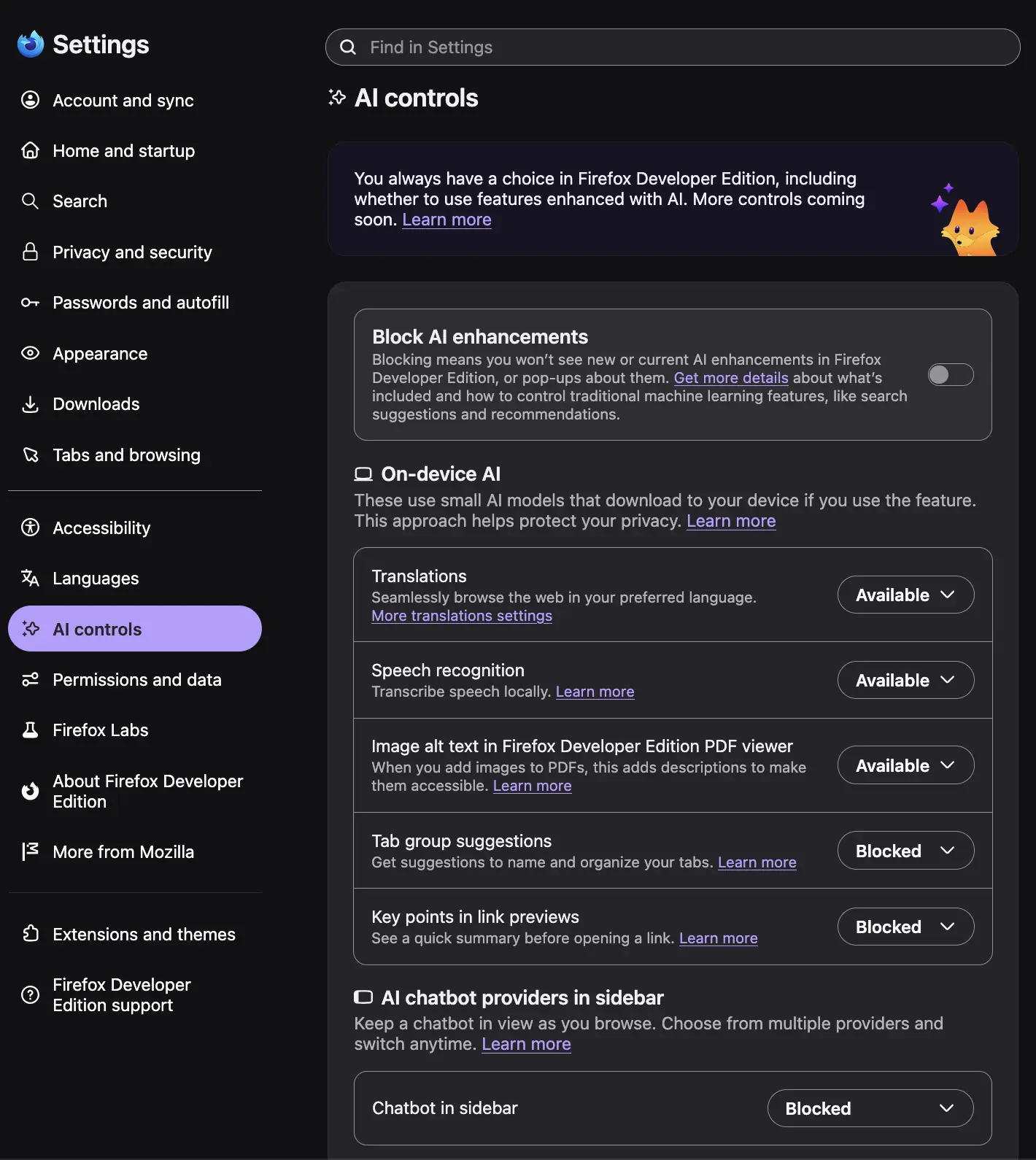
Firefox does have a setting to disable all AI features. It's in your settings: Settings > AI Controls > Block AI Features
replyYou can already do that in regular firefox. I think in this case, it's adding the capability to enable/disable via policy at the enterprise level.
replyThey literally do have this in the normal version, just now it can be managed by GPO. jfc
reply