
Not the thumbnail. Not the pink text “A History of Visusl Basic”. Not the number one on the list of chapters. Not the chapter ousted at the very bottom.
The next button is for a different article.
How am I supposed to navigate to the thing the article is advertising to me? It’s a very strange decision not to make it really easy with a strong call to action or obvious link.
Then for a period of time I lost the physical CD it came with, and couldn’t install it anymore on a new system. Some time later I remember finding the CD at the bottom of some box of random stuff and being so happy - it was scratched up and didn’t reliably install, but I think I managed to burn a copy of it onto a new disk complete with inkjet printed sticky disk label that resembled the original disk.
Must had been mid/late 90s I think.
Had so much fun making stuff in VB back then.
(No, TwinBasic isn’t adequate. No, a VB.NET migration isn’t feasible.)
Already enterprise approved on the MS stack.
I know HN is all startups with macbooks on local admin, but in bigger companies even devs cannot just install whatever they want.
If you're going to use genai, you need to make sure it actually looks acceptable. Do at least one careful pass over it before publishing. Just look at the details:
- The text on the book spines doesn’t even spell “Microsoft” correctly.
- Dartmouth is spelled "Darmouth". SIGH.
- The screenshot on the CRT monitor doesn't remotely resemble any version of Visual Basic I’ve ever used and I’ve been using it since Visual Basic for DOS.
Using an image like this sets the tone and impression for the entire book going forward. Right now, that first impression isn’t good.
[1] - https://evilgeniuslabs.ca/uploads/content/2026/05/6fd5a7b327...
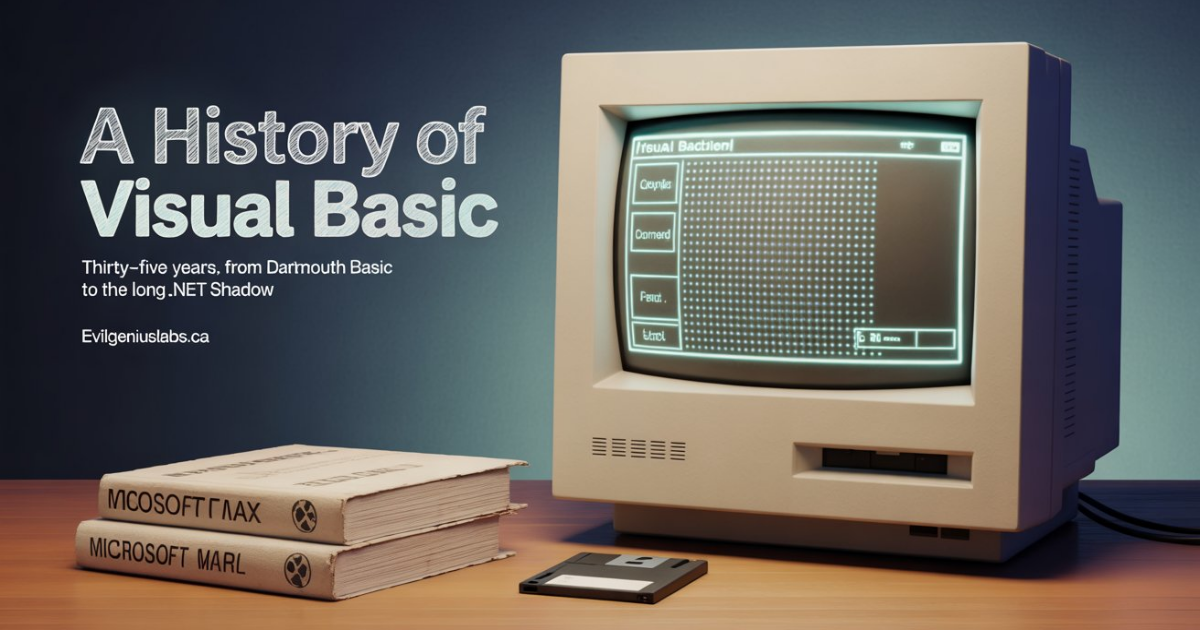
The computer screen I can forgive, but if they author genuinely doesn’t have access to modern image generation tools then they could have at least loaded that image up in GIMP, Paint.NET or even just MS Paint, and added the text themselves.
I sympathize with the motivations behind it, but it does look cruddy and cheapens the end result.
The "Oomerd" button is probably the debugger by the sound of it?
Modern image generation models can handle text fine. Or the author could have left those artefacts blank and added the text themselves in “post production”
I remember saving up for it at high school with my student discount. From memory it was about $120.
VB for DOS really needed a version 2.0, but it never got it.
https://www.folklore.org/MacBasic.html
and how other competing products such as RealBasic (somewhere I have a book on it) factored in.
VB was practical and useful at the time, especially as a learning tool in school. I enjoyed testing the competitors that arose to emulate its abilities, including RapidQ Basic, Envelope Basic (a.k.a Phoenix Object Basic), some of which are documented here: https://en.wikipedia.org/wiki/BASIC
I think it would be cool to see a Documentary on programming languages, e.g. their history, rivalries, successes and downfalls, of the 80s, 90s and 2000s. If it is made correctly, with humor, it could be entertaining, perhaps even profitable.
GUI interfaces were going to be a massive productivity goldmine compared to green screens and TUI interfaces. Now here we are back to those again in various forms and web browsers won in the end anyway.
Was a wild ride in the 1990s when it was happening in earnest.
But it doesn't only look sloppy or hastily made, it also looks inaccurate - and that really makes a bad impression. "Inaccurate" or "careless" are not the words any author should want their reader to think about.
A screenshot from an emulator, showing the same message but formatted as a BASIC program (just a bunch of PRINTs or REMs) - or something similarly simple to make, lacking glaring inauthenticity - would make a drastically better impression.